
THE SHORT ANSWER
Use a password-protected hotspot in Android Settings, choose a password you do not use for important accounts, and give access only to the people who need it. Turn the hotspot off when you finish. Hotspot Manager helps organize your session; the network's password and security settings remain under Android's control.
Sharing a mobile connection is useful when a laptop needs internet away from a familiar Wi-Fi network. Before sharing, decide who should have access and how you will end that access when the task is done.
You do not need to change every setting to establish a sensible routine. Start with the hotspot's password protection, keep its credentials separate from your accounts, and check the actual Android hotspot switch at the end of the session.
Check password protection in Android Settings
Open the hotspot settings on your phone before inviting another device to connect. Google's Android instructions use a long press on the Hotspot tile in Quick Settings; some phones instead place these controls under Connections or Network & internet.
Read the security choice as well as the password field. Google documents None as a way to remove the password requirement. For a private connection, choose an available password-protected option instead. The choices and labels depend on your phone and Android version.
- Open Android's hotspot settings and review the current network name, security option, and password.
- Choose a password-protected security option supported by the devices you intend to connect.
- Save the settings, turn on the hotspot, and connect your own device using the password.
- Confirm that the device joined the intended network before sharing the details with someone else.
Choose a password separate from your accounts
A hotspot password is something you may deliberately give to another person. Your email, banking, or work-account password should not be part of that exchange. Use a separate value for the hotspot so sharing network access does not also reveal an account credential.
Google's general password guidance recommends longer passwords and avoiding personal information or obvious patterns. Apply those principles within your phone's hotspot password requirements. Do not copy account-specific character rules into the hotspot form; use the rules Android displays for that network.
- Avoid a phone number, birthday, or an easily guessed sequence.
- Keep the hotspot password distinct from passwords used for important accounts.
- Check copied text for accidental spaces before saving or sharing it.
Give the shared connection a clear ending
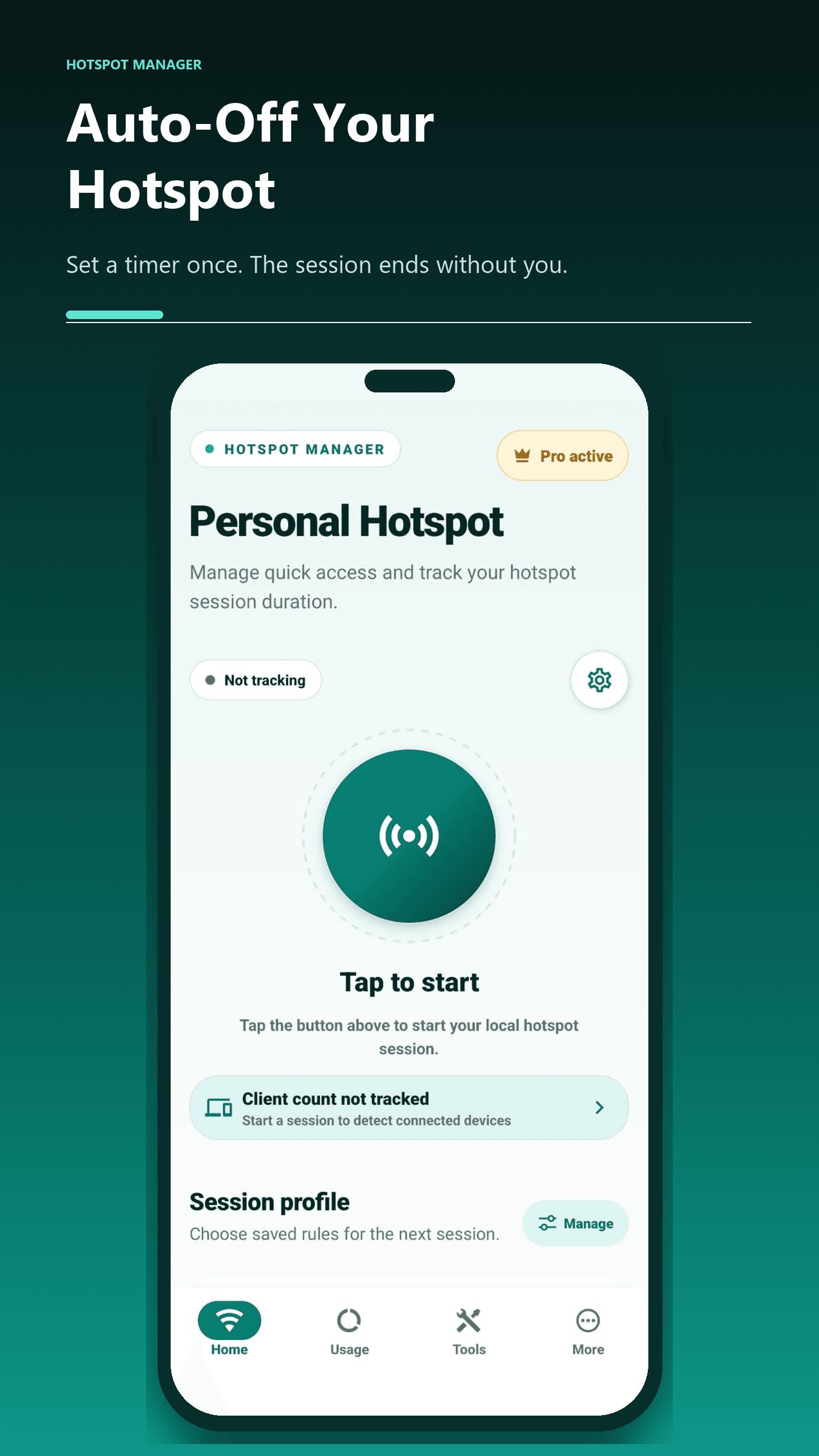
Decide when the hotspot should stop before you begin. In Hotspot Manager, you can prepare a session time limit and review the other active rules. A timer is useful for a short task, but it does not change who knows the network password.
At the end, read the app's result and confirm the hotspot switch in Android Settings. If Android requires manual stopping, turn it off there. A completed app session does not always mean the system hotspot has been disabled, and a Pro subscription does not change Android's permission restrictions.
Review credentials and keep Android updated
If the password reached someone who should no longer have access, switch the hotspot off and change its password in Android Settings before the next session. Reconnect your own devices with the new details. Deleting a message from your phone cannot remove a copy already saved elsewhere.
Also check the Android security-update status in Settings and install the updates available for your device. Google provides steps for finding the Android version and checking software updates; availability depends on the manufacturer, device, and carrier.
Hotspot Manager provides session tools rather than a replacement for Android's network security controls. Use the app to organize sharing, and use the phone's own settings to manage the connection credentials and system updates.
Need help with your phone?
Include your phone model, Android version, and the app message when you contact Hotspot Manager support.